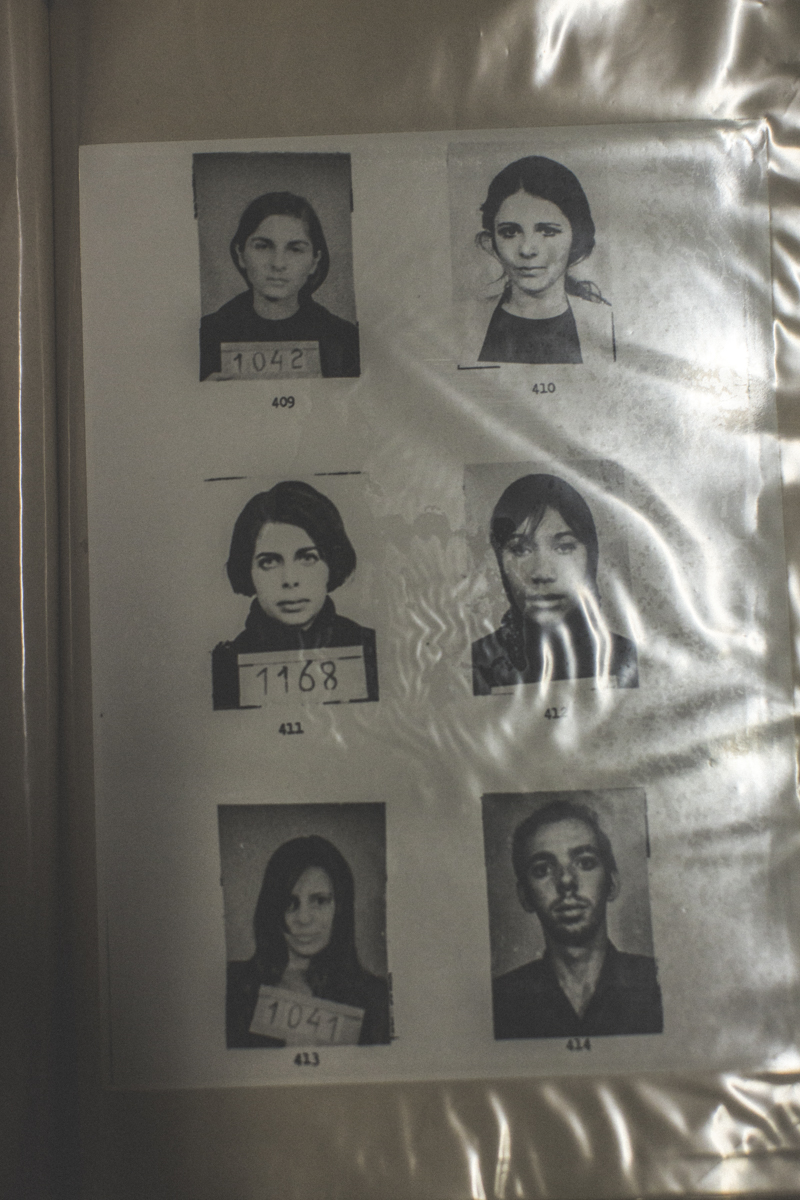
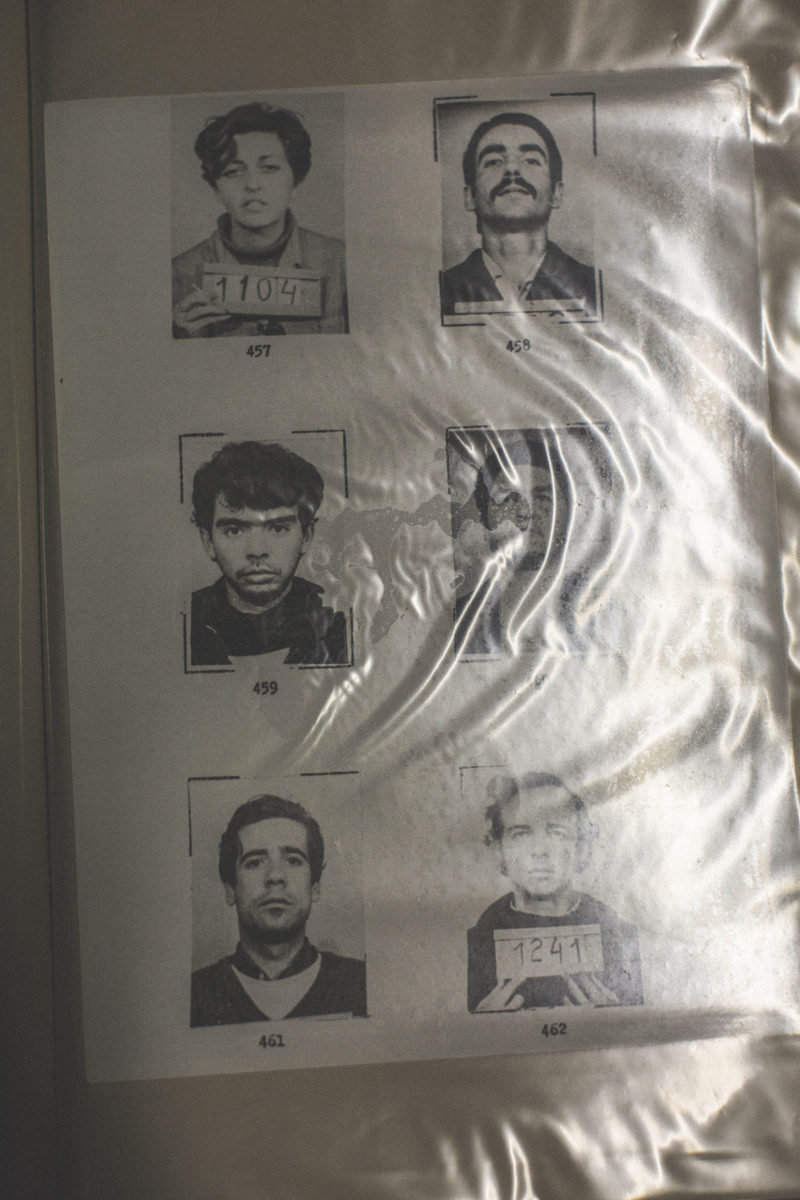
RISING NOSTALGIA FOR DICTATORSHIP RETURN
For Le Monde's M Magazine using expired film and digital photography.
During the April 17 session when Brazil’s lower house voted to impeachment of former leftist President Dilma Rousseff, an ultra-conservative congressman called Jair Bolsonaro, a former army parachutist and possible 2018 presidential candidate, dedicated his vote that day to the memory of Col. Carlos Alberto Brilhante Ustra, who headed the DOI-CODI intelligence agency responsible for the torture, death and disappearances of the opposition during the military rule.
For three years in the early 1970s, Ms. Rousseff, a former Marxist guerrilla fighter, was subjected to electric shocks on different parts of her body and suspended upside down naked from a rod. Her wrists and ankles bounded. She suffered internal bleeding and one of her teeth was knocked out by a punch from an interrogator.
Nostalgia authoritarian rule continues to rise since Ms. Rousseff’s impeachment, Brazil’s first female president. She was voted out of office by the country’s corruption-prone senate after a dramatic 16-hour impeachment trial which ultimately ended 13 years of Workers’ Party rule in order to halt the Operation Lava Jato corruption investigation - supported by Ms. Rouseff - into kickbacks at state oil company Petrobras.
The dictatorship era (1964-1985) was an eager way to maintain class hierarchy and uphold Brazilian family values - which tend to reflect the country’s conservative (and growing Evangelical) elite. One congressman wears a military uniform to work and calls the 1964 coup a “democratic revolution.”
According to Mr. Bolsonaro, Brazilians miss the moral values of the military: “There was decency and respect for the family. Things today are disgraceful,” he said in an news interview - which includes the skewed perception that corruption didn’t exist during the dictatorship. But many of the new middle class are also calling for a military intervention in fear of PT’s “communist” influence. {Most Brazilians don't differentiate communism from socialism}.
Brazil’s conservatives who long for the days of “family values” also have saudades for an era when their public space were not threatened by the economically-uplifted lower class who were expected of nothing more than to follow orders. Even if it means an end to civil liberties: what didn’t exist in those days was freedom of speech and a free press to denounce government failures.